
Many missed appointments have warning signs: no confirmation, unclear access, wrong contact, tenant unavailable, or a change that only one person saw. CoordineXt brings those signals into the appointment view.
Reduce no-shows
Reduce no-shows before anyone rolls.
A no-show wastes drive time, delays other customers, and leaves the office chasing answers. CoordineXt helps teams spot missing confirmations and access risks before the visit.
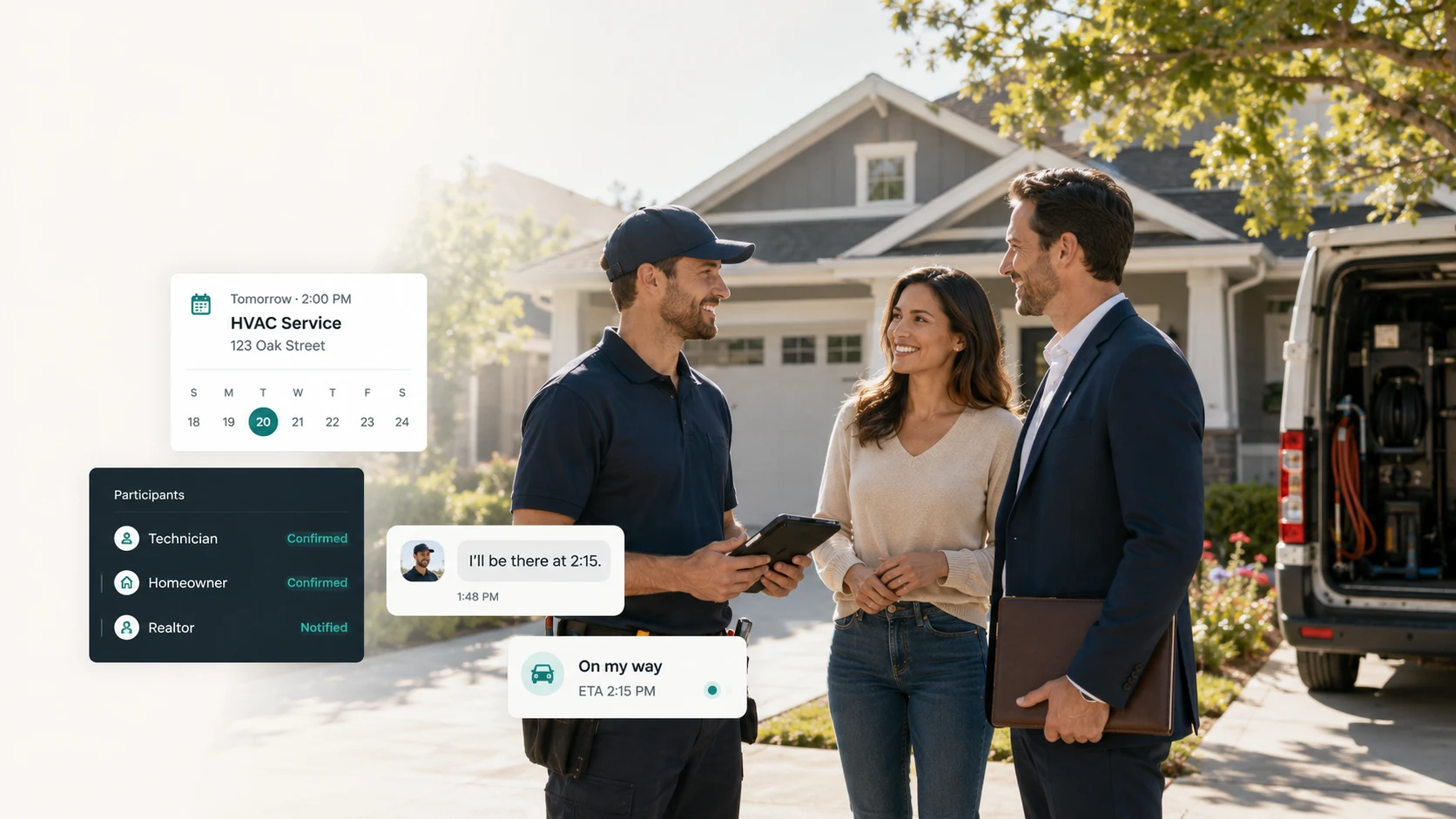
No-shows are usually visible earlier
Many missed appointments have warning signs: no confirmation, unclear access, wrong contact, tenant unavailable, or a change that only one person saw. CoordineXt brings those signals into the appointment view.
Confirmation status
The workspace makes it easy to track who is confirmed, who was contacted, and who needs follow-up. That gives office staff a practical list to work before the truck, crew, or vendor heads out.
Reminder timing and readiness
Teams can prepare reminder and ETA drafts that make the next step clear. A good reminder should confirm the visit, surface access details, and give the customer or property contact a simple way to respond.
Access risk and wasted trips
Locked gates, missing lockbox codes, pets, tenant availability, and unclear entry instructions can cause the same waste as a no-show. CoordineXt keeps these details visible before arrival.
Better follow-up without overclaiming
The workspace cannot guarantee attendance and it does not send automated SMS today. It gives teams a clearer manual process for finding appointment risk sooner.
Useful workflows
The details that decide whether the appointment works.
- Customer did not confirm
- Tenant unavailable
- Locked gate
- No one home
- Wrong arrival window
- Missing access note
Questions
Common questions about this workflow
Can CoordineXt guarantee fewer no-shows?
No. No software can guarantee attendance. CoordineXt helps teams see missing confirmations and access risks earlier so they can follow up.
What should teams check before dispatch?
Check the appointment window, participant status, property access notes, customer-facing notes, and whether message drafts are ready.
Does the workspace send automatic reminders?
No. The current preview helps prepare manual message drafts. Automation is planned later after consent and messaging infrastructure are ready.
Early access
Bring every appointment into one clear flow.
Start with the manual workspace preview. Prepare messages now, automate later when the production app is ready.