
A time window is not enough if the crew cannot get through the gate, find the lockbox, park close enough for equipment, or reach the mechanical room. CoordineXt treats access as a first-class part of the appointment.
Property access notes
Property access notes that do not disappear in a thread.
A confirmed appointment can still fail at the door. CoordineXt keeps gate codes, lockbox notes, tenant availability, pets, parking, and property-specific instructions attached to the visit instead of scattered through texts.
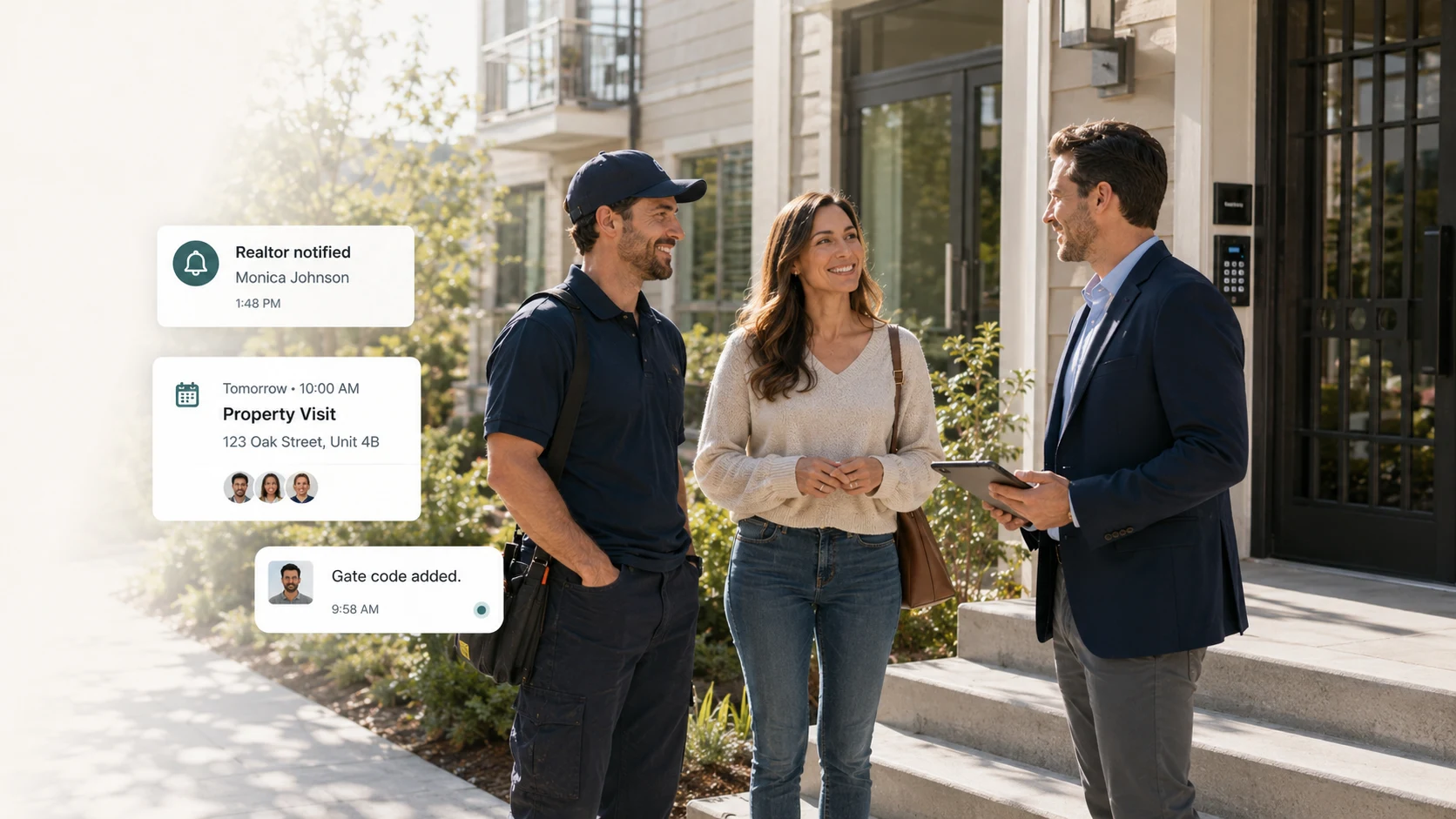
Access is part of the appointment
A time window is not enough if the crew cannot get through the gate, find the lockbox, park close enough for equipment, or reach the mechanical room. CoordineXt treats access as a first-class part of the appointment.
Occupied, vacant, and tenant-occupied properties
Different properties need different coordination. A homeowner may need a heads-up, a tenant may need a notice window, and a vacant unit may need a lockbox or building code. The workspace keeps the condition visible.
Field details that prevent wasted trips
Gate codes, pets, driveway access, side entrances, condenser location, attic access, utility room notes, and parking instructions are often the details that decide whether a visit succeeds.
Industry examples
HVAC teams need condenser and mechanical access, plumbers need shutoff and basement notes, lawn crews need gates and dog notes, realtors need lockbox details, and property managers need tenant and building instructions.
Manual note prep today
The workspace does not send access notes automatically yet. It helps teams organize the notes and copy clean reminder or update messages from the browser.
Useful workflows
The details that decide whether the appointment works.
- Gate codes
- Lockbox instructions
- Tenant availability
- Dog or pet notes
- Driveway and parking notes
- Vacant unit access
Questions
Common questions about this workflow
Does CoordineXt store access notes in the cloud?
The current workspace preview stores data only in the browser if local saving is used. It does not send appointment data to a remote database.
What access notes should a team capture?
Common notes include occupancy, lockbox code, gate code, building code, pets, parking, entry instructions, key contact, and mechanical room location.
Can property managers use this for tenant notices?
Yes. The workspace can help prepare vendor visit details and tenant-facing message drafts, while real sending remains manual for now.
Early access
Bring every appointment into one clear flow.
Start with the manual workspace preview. Prepare messages now, automate later when the production app is ready.